- This event has passed.
3 PM – Scratch Level 1
February 20, 2021 @ 3:00 pm - 4:00 pm
- Today we:
- continued the Ask Gobo project
- learned about how to pick random numbers
- assigned each number to a word for Gobo to say
- learned how to record audio
- learned how to input audio into the code
- Homework:
- if you can record audio:
- record audio for each word Gobo can say (“No!”, “Maybe!”, “Definitely!”, “Never!”)
- label each sound with the word you recorded
- put the audio into the code
- if you need help, look at the example “Yes!” we did in class
- for instructions on how to record, look at “How to record audio”
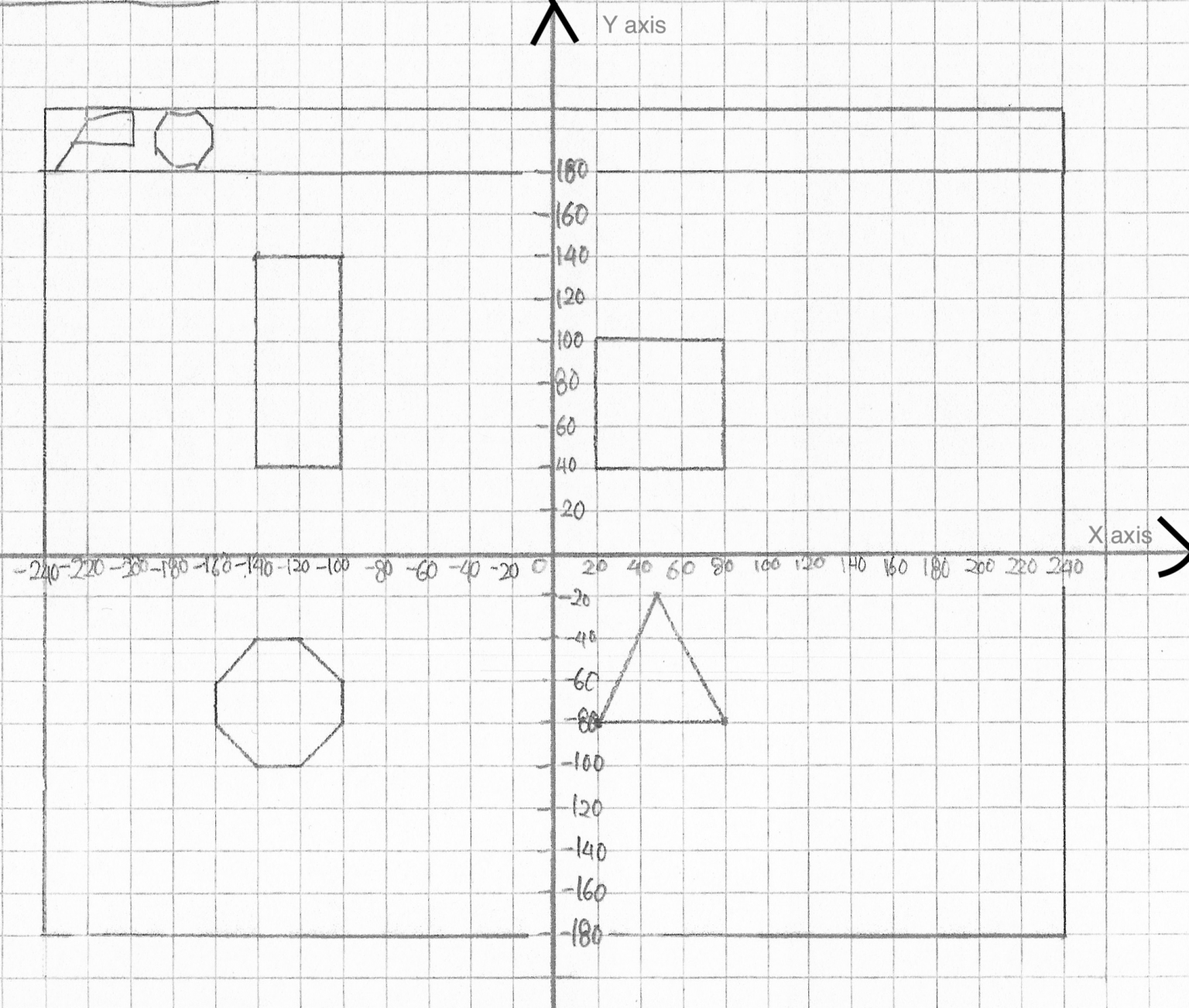
- Download and print the image attached at the bottom of this post for next week’s class
- Ask your parents for help if you have some trouble printing
- if you can record audio:
。・:*:・゚★,。・:*:・゚☆。・:*:・゚★,。・:*:・゚☆。・:*:・゚★,。・:*:・゚☆。・:*:・゚★,。・:*:・゚☆。・:*:・゚
-
- How to record audio:
- go to the “Sound” tab
- hover above the “Choose a Sound” button on the lower left corner
- click “Record”
- make sure your internet browser allows Scratch to record your audio
- Google Chrome might block Scratch to record your audio. If this happens, go to Settings, go to Privacy and Security, go to Site Settings, go to Microphone
- delete Scratch from the block section
- go back to Scratch and try to record your audio. When a popup asks to allow Scratch to record your audio, click “Allow”
- click the red Record button
- stop recording when you are done saying the word
- trim the audio so it’s only the word you are saying
- click save
- rename your audio to the word you said
- How to record audio:
。・:*:・゚★,。・:*:・゚☆。・:*:・゚★,。・:*:・゚☆。・:*:・゚★,。・:*:・゚☆。・:*:・゚★,。・:*:・゚☆。・:*:・゚