
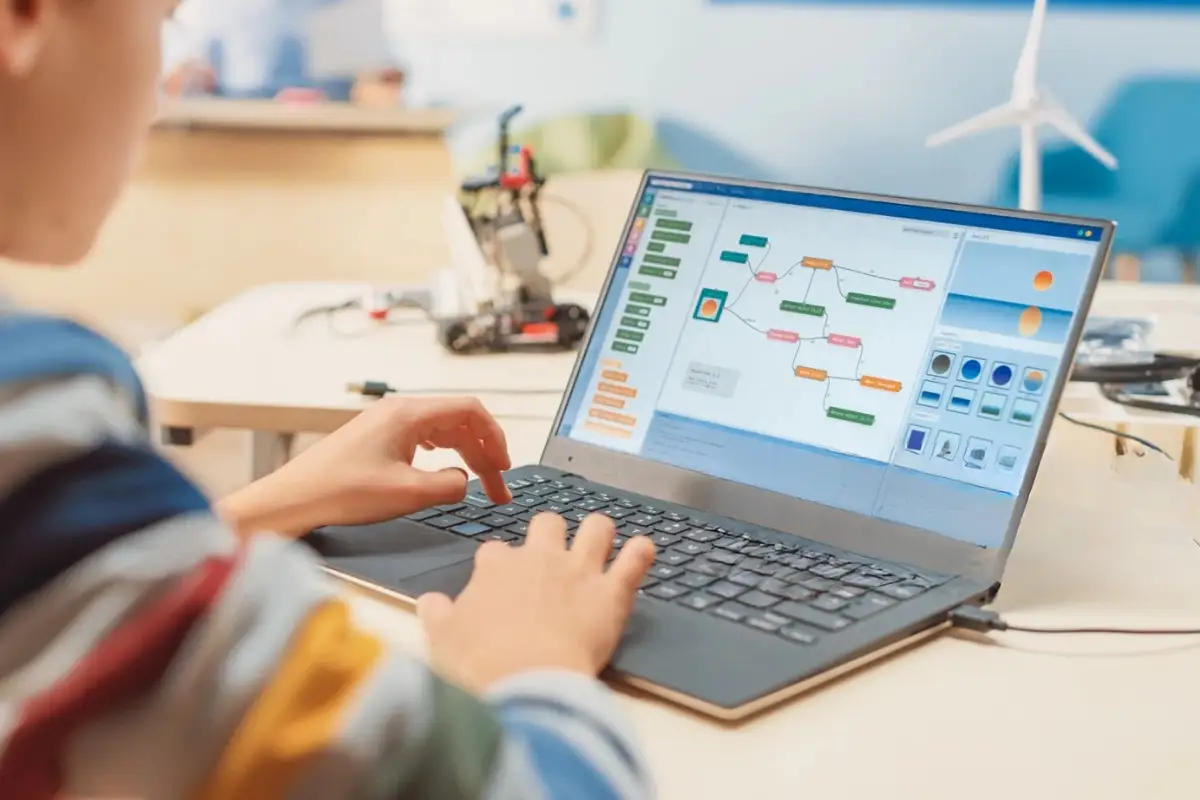
Computer Coding for Kids Is More Than Just Choosing A Language
When families begin exploring computer coding classes for their children, most of the initial questions that come up are about what to learn – whether it is Scratch, Python, Java, or any other robotics kit. However, far fewer parents consider another important question: whether learning will happen in a class, in person, or through a screen at home. It matters as much as what language kids will learn to code.
Kids’ computer programming involves more than meets the eye. Computer coding for kids can range from assembling a robot using blocks to writing programs in Python remotely, using webcams and connecting to instructors thousands of miles away. Both options are valid, and each serves different needs of different kids.
When In-person Programs are a Good Fit
On-site formats that require participants to be physically present and use tangible items such as kits or robots, as well as conduct classroom-type activities, excel in certain areas:
- Physical involvement: Building something allows children to form a tangible connection to their creations that a computer screen cannot provide.
- Inherent social interaction: Children work in pairs, automatically collaborate, and resolve problems together and are held responsible as a team.
- Structured schedule: Regular visits to the same spot every week are easier for some families and children to keep up with
- Immediate assistance: Physically moving over to assist in fixing a wiring problem or removing a sensor that got stuck is more efficient than explaining the problem through a screen
This combination of benefits makes these types of programs a good choice for younger kids.
Where Online Coding For Kids Pull Ahead
At the same time, online coding for kids has become popular not only because of its convenience but also for several practical reasons. First of all, there is:
- Accessibility regardless of location: A family from a little town has the same quality of instructors as a family living in a big city, without any losses because of driving
- Flexible schedule: Makeup lessons, pre-recorded lessons, and variable time slots play a huge role when it comes to combining coding with other after-school activities
- Screen-to-code learning: As it happens, everything is done on computers anyway, so learning in the same environment saves some translating phase from physical kits
- Easy transition to a text language: For the kid who is familiar with typing and operating the screen, transition to such languages as Python or Java becomes easier than for the kid who only used block-based physical kits
- Individual approach regardless of geography: Online format provides more accessible individual instructor time than physical centers with a limited number of instructors in a certain geographical area.
For kids who are already comfortable using screens and want to develop their coding skills professionally, online coding for kids is the better option.
What Comes Next After Learning to Code?
Regardless of format, most kids start at the same point: visual, drag-and-drop logic that introduces sequencing and cause-and-effect relationships. The format difference becomes more apparent once the child is ready to move on to actual computer programming for kids.
Some questions become more relevant at this point:
- Is there a definite trajectory following the basic stages?
There are definitely great robotics programs for children ages 6 to 9, but they often rely on a specific kit and physical setup, and once a kid gets too old for the program, it’s unclear what comes next. The program you choose should clearly answer what comes next for a kid once they complete the basic curriculum. - What percentage of “coding” is done via typing vs using preset blocks?
Drag-and-drop icons are an excellent place to start; however, they can also be a comfortable place to stop. A student who has spent years putting blocks in the right order without typing a single line of code has not learned quite the same thing as one who has moved on to code, even if they seem equally busy. - Is there a clear path of progression?
Include something that shows exactly what the child has accomplished in the last month or so, not something like “They appear to enjoy it.” This could take the form of finished projects, a list of skills, or a curriculum map. Without evidence, it is hard to tell whether the child is actually developing or just doing more of the same thing they did at an earlier level.
Choosing a Learning Format That Fits Your Child
No universal solution exists; it depends on individual factors. Here are some general guidelines:
- Younger children who have not reached 8 years of age are more likely to benefit from traditional offline classes that allow hands-on work with real objects.
- Children who prefer spending time in front of screens and can focus independently will more easily adopt an online learning format.
- Those who plan to learn computer programming languages within 1-2 years should prefer learning formats that teach step-by-step how to write code; most online courses offer this approach from the very first day.
- An inconsistent family schedule makes it easier to keep attending online classes than to give up after 1-2 missed classes in offline classes.
A kid’s ability to learn to code will hinge more on their capacity to stay engaged and develop skills than on the platform they use. Platform choice matters as much as the language they learn, depending on their personality and how much time they have at home. This is exactly what we discuss in every conversation we have with families at American Young Coder Academy. We don’t simply choose one platform; we choose the one that will keep a particular child coming back every week.